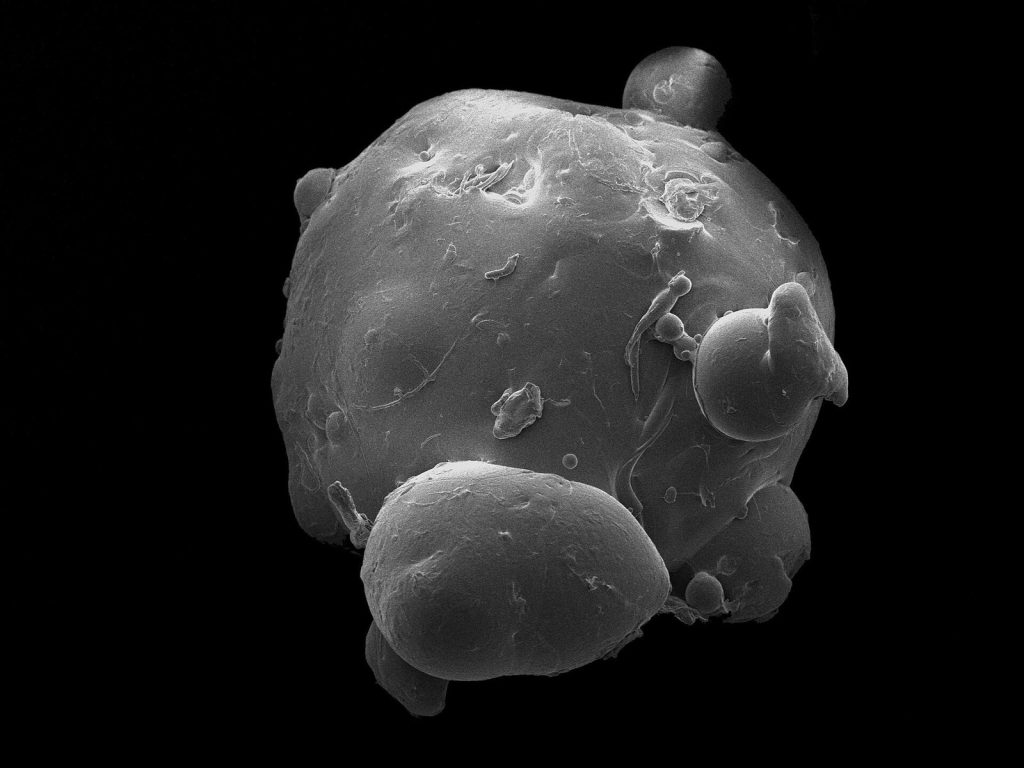
A fungal acne ingredient checker can screen a cosmetic formula for ingredients associated with Malassezia concerns, but it cannot tell you whether you have “fungal acne” or predict with certainty how your skin will respond. Its best use is narrow: paste the product’s complete INCI list, review the specific flags, and use the result to compare formulas—not to diagnose a breakout or label every flagged product unsafe.
“Fungal acne” is the common name these tools use for Malassezia folliculitis. Because ordinary acne and other skin problems may look similar, an ingredient scan should remain a product-screening step. ScanSkinAI explicitly notes that its checker does not diagnose skin conditions or replace a clinician (ScanSkinAI).
- How fungal acne ingredient checkers work
- Which ingredients commonly receive flags
- Squalene and squalane are not the same ingredient
- How the available checkers compare
- A practical way to check your skincare routine
- 1. Copy the complete current ingredient list
- 2. Paste the list without rewriting ingredient names
- 3. Read the individual flags, not just the final verdict
- 4. Compare conflicting results before replacing a product
- 5. Evaluate the routine, not only the newest product
- 6. Avoid changing everything at once
- What a pass or warning actually means
- When an ingredient checker is not enough
- Sources
How fungal acne ingredient checkers work
Most checkers ask you to paste a product’s full ingredient list into a text box. The tool parses the list, compares each INCI name with its rules or ingredient database, and identifies possible Malassezia-related triggers.
Those rules are not identical across platforms. For example:
- SkinSort says it looks for potential triggers such as esters, squalene, plant oils, fatty acids, and some ferments. It also states that its checker is intentionally designed to catch potential triggers, so a flag does not prove that an ingredient will cause or feed Malassezia in every user (SkinSort).
- ScanSkinAI describes rules covering fatty acids with carbon chains from C11 to C24, common botanical oils, esters such as isopropyl myristate, and polysorbates such as polysorbate 80 (ScanSkinAI).
- DermApproved says its tool checks for C11–C24 fatty acids, related esters, polysorbates, plant oils and butters, and fermentation ingredients (DermApproved).
A result therefore reflects the checker’s screening rules. It is not a laboratory test of the finished formula, and different tools may classify the same product differently.
Which ingredients commonly receive flags
Across the checkers, several ingredient groups appear repeatedly.
Fatty acids and their esters
Some tools flag named fatty acids within the C11–C24 range. They may also catch esters derived from those acids, including ingredient names containing terms such as myristate, palmitate, stearate, or oleate. Isopropyl myristate is one specifically cited example.
This is one reason a quick visual scan for the word “oil” is inadequate. A product without an obvious plant oil can still contain an ester that a checker treats as a possible trigger.
Plant oils and butters
Coconut, olive, argan, and rosehip oils are among the botanical oils identified by ScanSkinAI’s screening description. DermApproved also includes plant oils and butters in its trigger rules.
That does not establish that every botanical oil will cause a breakout in every person. It means these tools treat the category conservatively because of its fatty-acid composition.
Polysorbates
Polysorbates are emulsifiers that help oil- and water-based components remain mixed. Polysorbate 80 is specifically named by ScanSkinAI, while DermApproved says it flags polysorbate emulsifiers as a group.
Fermentation ingredients
SkinSort says it catches some types of ferments, while DermApproved flags fermentation ingredients separately. Because these rules may be broad, a fermentation-related warning deserves inspection rather than automatic rejection of the entire formula.
Squalene and squalane are not the same ingredient
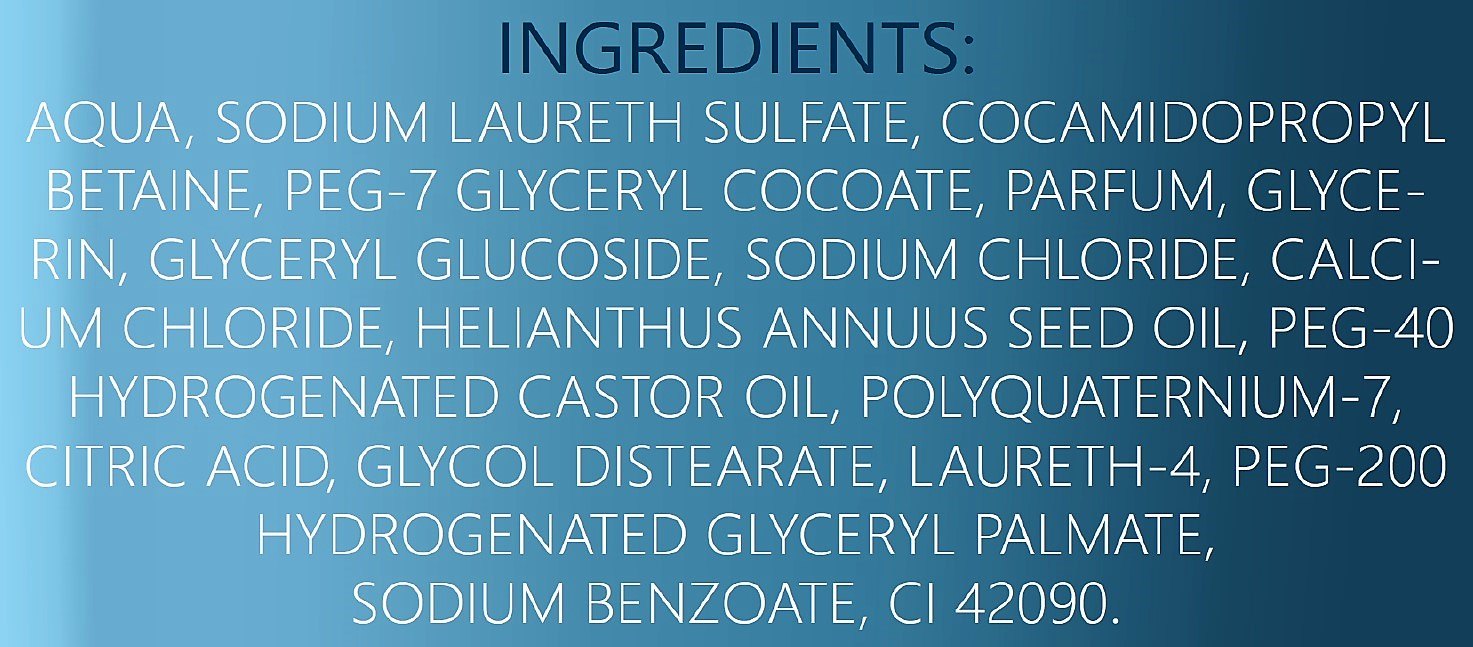
One small spelling difference can materially change a checker result: squalene and squalane are distinct ingredients.
SkinSort lists squalene among its common potential triggers. DermApproved, by contrast, describes squalane as a hydrocarbon that its checker deliberately leaves unflagged; it gives mineral oil similar treatment (DermApproved).
This is not necessarily a contradiction between the tools. Squalene ends in “-ene,” while squalane ends in “-ane.” When copying or reviewing a formula, check the full INCI spelling rather than treating the two names as interchangeable. Likewise, an ingredient containing “oil” in its common name should not automatically be classified as a plant oil without checking what the ingredient actually is.
How the available checkers compare
The most useful checker depends on whether you want a focused Malassezia screen or a broader cosmetic-ingredient report.
| Checker | What it says it flags | Useful distinction | Important limitation |
|---|---|---|---|
| SkinSort | Esters, squalene, plant oils, fatty acids, and some ferments | Focused fungal acne checker plus a product database | Designed to catch potential triggers, so warnings do not predict an individual reaction |
| ScanSkinAI | C11–C24 fatty acids, botanical oils, esters, and polysorbates | Also reports comedogenic, irritant, and allergen concerns; described as free with no signup | Broader flags can be mistaken for a diagnosis or a single overall safety score |
| DermApproved | Fatty acids, esters, polysorbates, oils, butters, and fermentation ingredients | Explains why an ingredient was flagged and distinguishes squalane from squalene | A clean scan is only a screening signal; individual tolerance still varies |
| Folliculitis Scout | Fungal acne triggers within pasted cosmetic lists | Includes additional ingredient-role and rating information | Its extra ratings answer different questions and should not be confused with Malassezia screening |
| Dermazen | Potentially problematic ingredients across skincare, haircare, and other product categories | Emphasizes ingredient-level explanations | Notes that species, concentration, formulation, and the individual microbiome can affect relevance |
If you need to evaluate other concerns at the same time, a broader analyzer may be convenient. If you only want to compare products for possible Malassezia triggers, a focused result may be easier to interpret. Our comparison of skincare ingredient checkers by concern explains why the best tool can change depending on whether your priority is fungal acne, irritation, allergens, or pore-clogging ingredients.
A practical way to check your skincare routine
Ingredient checking is most useful when performed consistently rather than product by product without a plan.
1. Copy the complete current ingredient list
Use the INCI list for the exact product and version you own or plan to buy. Do not rely on the front-label claims, a shortened retailer description, or the ingredient list of a similarly named formula.
Copy every ingredient. A partial list can produce an artificially clean result because the omitted section may contain the ingredient a tool would have flagged.
2. Paste the list without rewriting ingredient names
Keep the original spellings when possible. Editing unfamiliar names can turn one ingredient into another or prevent the checker from recognizing it. The squalene-versus-squalane distinction shows why a single ending matters.
3. Read the individual flags, not just the final verdict
A red warning or “not safe” label can conceal meaningful differences. A formula containing several plant oils is not the same screening result as one containing a single broadly classified ferment.
For every warning, ask:
- What exact ingredient was flagged?
- Which category placed it on the list?
- Does another checker classify it the same way?
- Is the warning about Malassezia, irritation, allergy, or comedogenicity?
These categories should not be merged. An ingredient can receive an irritation or allergen warning without being identified as a Malassezia trigger, and a fungal-acne flag does not prove that an ingredient will clog pores.
4. Compare conflicting results before replacing a product
If one checker passes a product and another rejects it, look at the named ingredient and each tool’s explanation. The difference may come from how broadly the platform treats esters, ferments, plant derivatives, or ambiguous INCI names.
Running the list through a second checker can reveal whether the disagreement concerns a clear ingredient match or a conservative category rule. It cannot determine which result will match your skin, but it can prevent a single unexplained label from driving the decision.
5. Evaluate the routine, not only the newest product
A facial cleanser or moisturizer is not the only formula that may contact breakout-prone areas. Sunscreen, makeup, hair products, and other frequently used cosmetics can also appear in ingredient-checker databases. Dermazen specifically presents its screening approach as applicable across products including moisturizers, cleansers, shampoos, and cosmetics (Dermazen).
Check the products that actually touch the affected area. Otherwise, replacing one facial product while leaving the rest of the routine unexamined may not clarify anything.
6. Avoid changing everything at once
A checker can help you create a shortlist, but simultaneous routine changes make the outcome hard to interpret. If several products contain flagged ingredients, document them first. Then simplify changes so that you can tell which product removal or substitution coincides with a change in your skin.
That approach does not prove cause and effect, but it produces more useful information than discarding an entire routine based on one scan.
What a pass or warning actually means
A clean pass means the checker did not identify a match under its current rules. DermApproved describes this as a strong screening signal that a formula avoids the food sources recognized by its system, while still emphasizing variation in individual tolerance.
A pass does not mean:
- The product treats Malassezia folliculitis.
- The formula cannot cause irritation or an allergic reaction.
- The product is suitable for every skin type.
- The ingredient list is free of every possible breakout trigger.
- The bumps are definitely fungal rather than another condition.
A warning means the tool found an ingredient that meets one of its trigger rules. It does not mean:
- The ingredient will cause a reaction in every user.
- The concentration is high enough to be clinically relevant.
- The finished formula behaves exactly like the isolated ingredient.
- The product caused an existing breakout.
SkinSort says its broad screening is designed to catch potential triggers, not to guarantee that each flag will feed Malassezia for every person. Dermazen similarly notes that the species of Malassezia, ingredient concentration and composition, and a person’s microbiome can affect whether a flagged ingredient matters.
The practical consequence is simple: use passes to narrow your options and warnings to identify what needs review. Do not treat either result as a medical conclusion.
When an ingredient checker is not enough
An ingredient checker is the wrong tool for deciding what condition you have. If you are unsure whether your bumps are acne, Malassezia folliculitis, irritation, or something else, screening more products will not resolve that uncertainty.
It is also unlikely to help when:
- The pasted list is incomplete or belongs to an older formulation.
- The tool recognizes a category but does not explain why it was flagged.
- Different checkers return conflicting results and no ingredient-level explanation is available.
- You have replaced suspected products but the skin problem continues.
- You are considering treatment rather than simply screening cosmetics.
In those situations, avoid assuming that every persistent breakout is “fungal acne.” A clinician can evaluate the skin itself, while an online checker can evaluate only the text in an ingredient list. Keep those two jobs separate: use the checker to compare formulas, and seek an appropriate clinical assessment when you need a diagnosis or treatment decision.
Sources
- SkinSort: Fungal Acne Ingredient Checker
- ScanSkinAI: Fungal Acne and Comedogenic Ingredient Checker
- DermApproved: Fungal Acne Safe Checker
- Folliculitis Scout: Skincare and Makeup Ingredient Analyzer
- Dermazen: Malassezia Feeding Ingredients List